
Available now
SPC Flooring
SPC product PDF
Use the current SPC PDF for the first product review, then confirm the selected SKU, room use, area and installation scope before quotation.
Open SPC products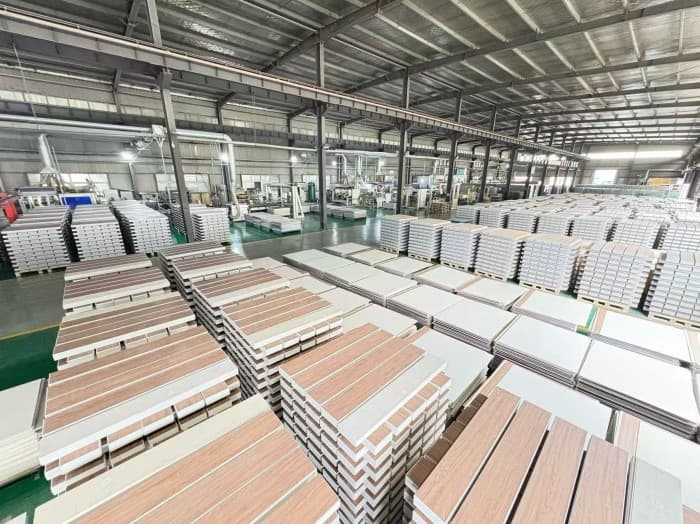
Product documents
Download the current SPC PDF now. For WPC wall panels, PE outdoor WPC and supporting files, send the product or site use so the document matches what is being quoted.
Available nowThe SPC product PDF is public. Other product, technical, care, QC or test files are supplied only after the relevant product and requirement are clear.
Document status
The useful distinction is not how many files exist. It is whether the file matches the product, room or site use and quotation scope you are reviewing.
Public download
Use it to review the SPC family and shortlist products before confirming the exact SKU and site scope.
Download SPC PDFMatched request
Send the family, SKU or sample photo, site use and the file needed. Enoch can confirm what applies before sharing it.
Request product documentsSurface family
Floor, wall and outdoor materials face different conditions. Each row below shows what is available without implying that one generic file applies to every product.
Available now
SPC product PDF
Use the current SPC PDF for the first product review, then confirm the selected SKU, room use, area and installation scope before quotation.
Open SPC products
Request by product
Matched by family or SKU
Send the panel code, sample photo, wall size, backing condition and edge requirement so the requested file matches the intended wall system.
Open wall panels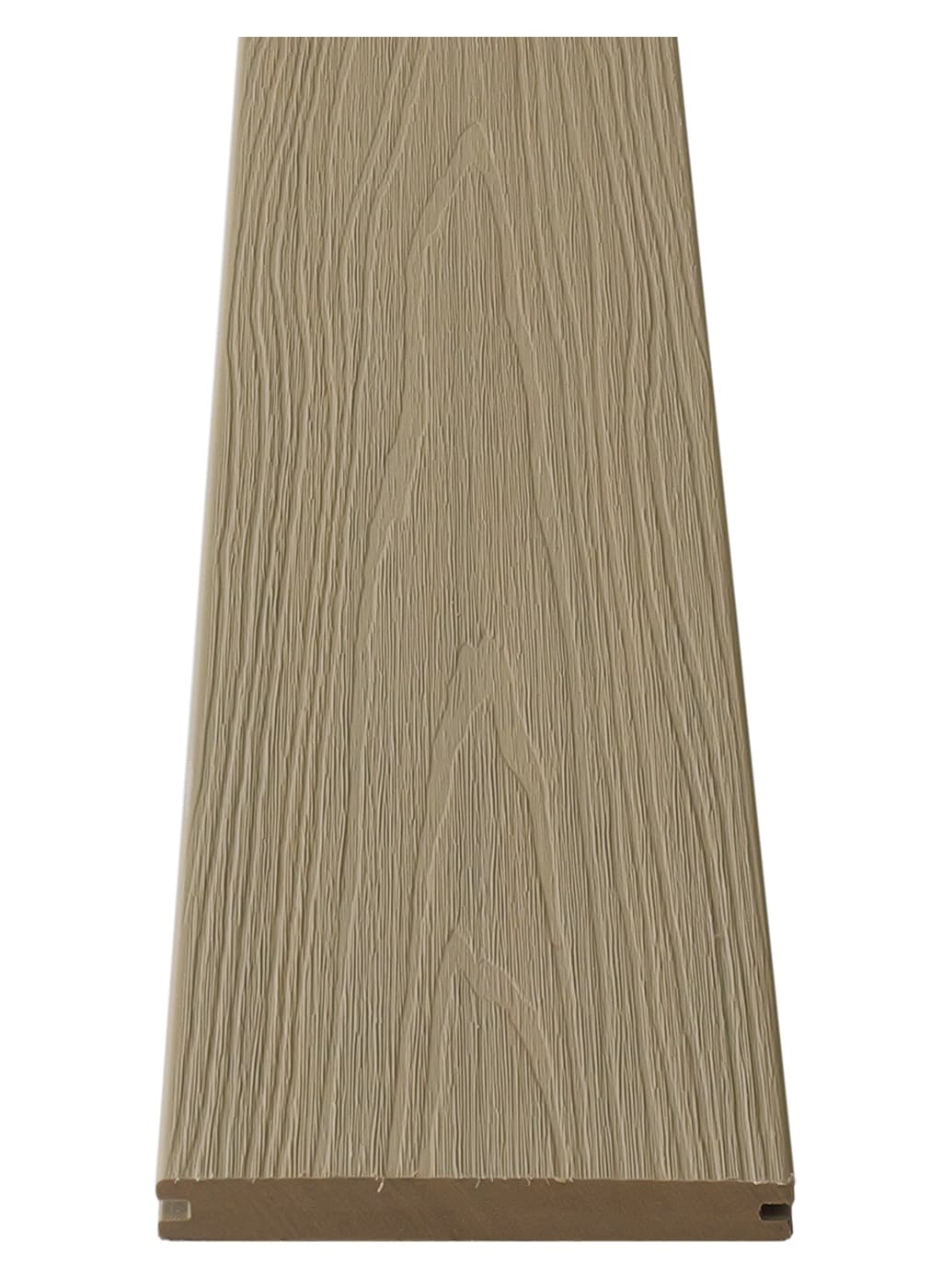
Request by site use
Matched by exposure and fixing
Outdoor document requests should include sun and rain exposure, drainage, support structure, fixing method and the selected board or profile.
Open outdoor WPCRequest flow
A product name, the intended use and the required document type are usually enough to start the correct request.
01
Send the product family, SKU, sample photo or product link.
02
Add room or project use, approximate area, site photos and quote scope.
03
Enoch can confirm which product, technical, care, QC or test file applies.
Files by review need
Product selection, technical review, care conditions and supply review each use different records.
Product sheet, dimensions, finish direction and available range.
Technical sheet or available test file matched to the selected product and project use.
Care terms, usage limits and support records that match the quote scope.
Factory, QC, packing or submission files requested with the buyer requirement.
Before relying on a file
This keeps product and project review specific without using a generic badge or unrelated file as support.
The file must match the selected product family, SKU or product range.
A badge or catalogue graphic does not replace the matching source file.
Files for another thickness, product family or market should not be treated as the same source record.
For Enoch SPC, straight plank or standard staggered layout remains the supported installation method.
Next step
Enoch can match the documents before quotation and explain when more product or site detail is required.